A simple image plan can connect product pages, campaign placements, and social crops without creating disconnected visual work.
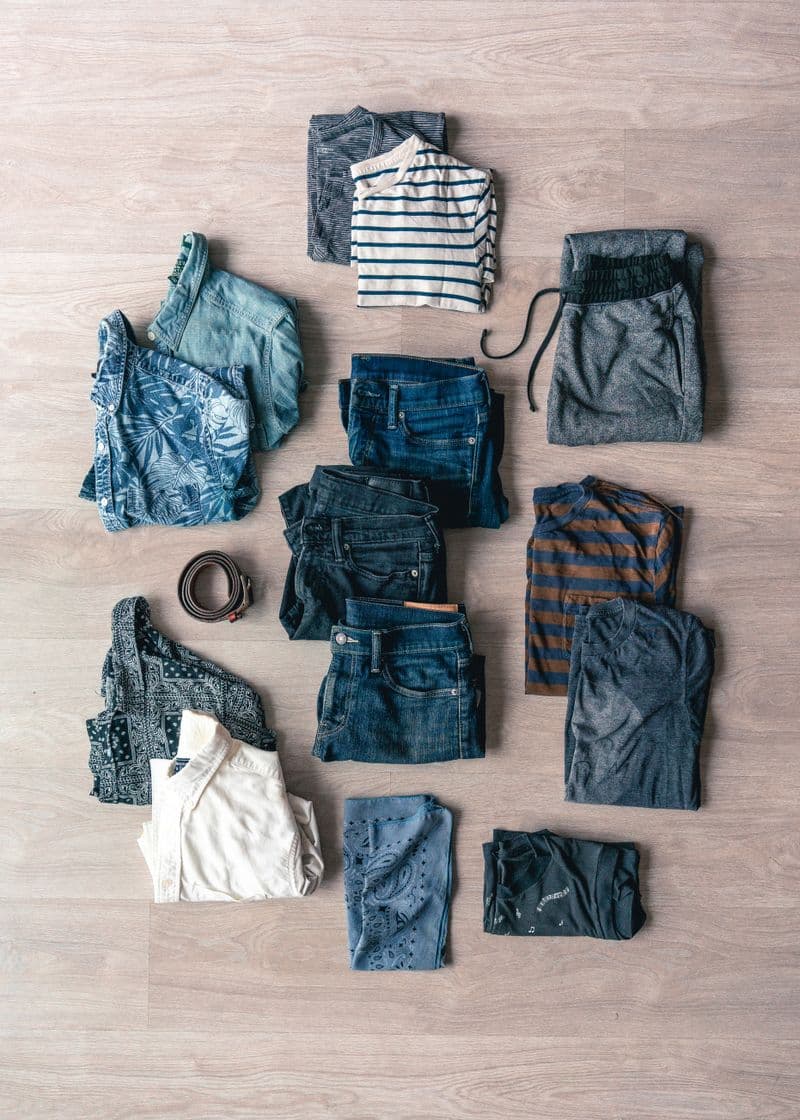 Gallery input
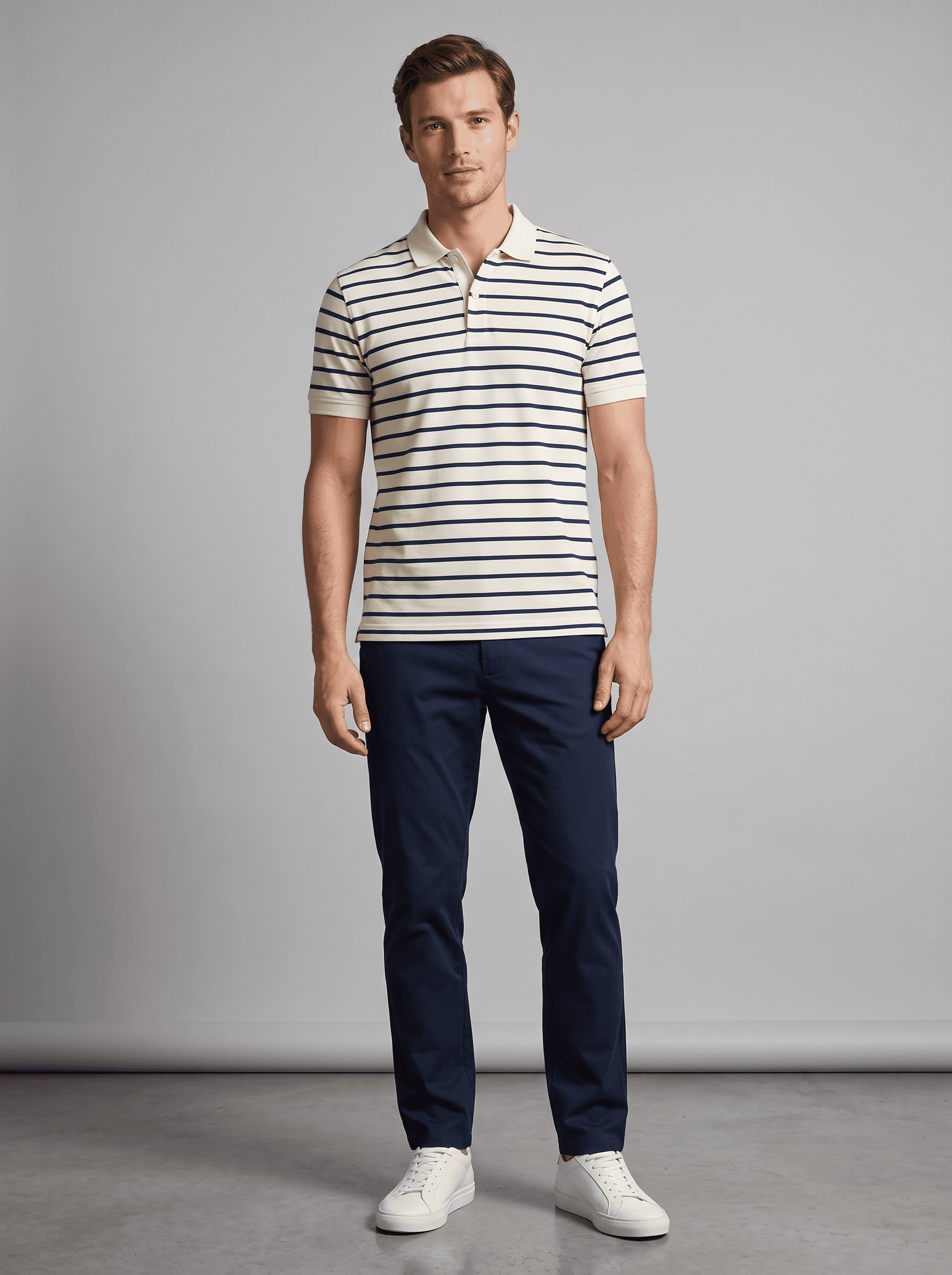 Modelify result
Start with the product-page need
The product page should anchor the image plan because it carries the most information a shopper needs. Decide which frame shows the full silhouette and which detail deserves a closer crop, then adapt those decisions for campaign placements instead of starting with a social format alone.
Map one shoot direction to several outputs
A single direction can support a full-length product image, a tighter editorial crop, and a quieter thumbnail when the framing is planned up front. Keep the garment position and visual tone related across those outputs so a customer can recognise the same product wherever they encounter it.
Schedule review before the launch rush
Leave time to compare a complete set together before a collection goes live. Reviewing the range as a group catches repeated crops, mismatched backgrounds, and missing product details earlier than checking each image in isolation. A short pre-launch pass protects the consistency of the whole story.