Small choices in framing, light, and garment presentation can make a large difference before a generation ever starts.
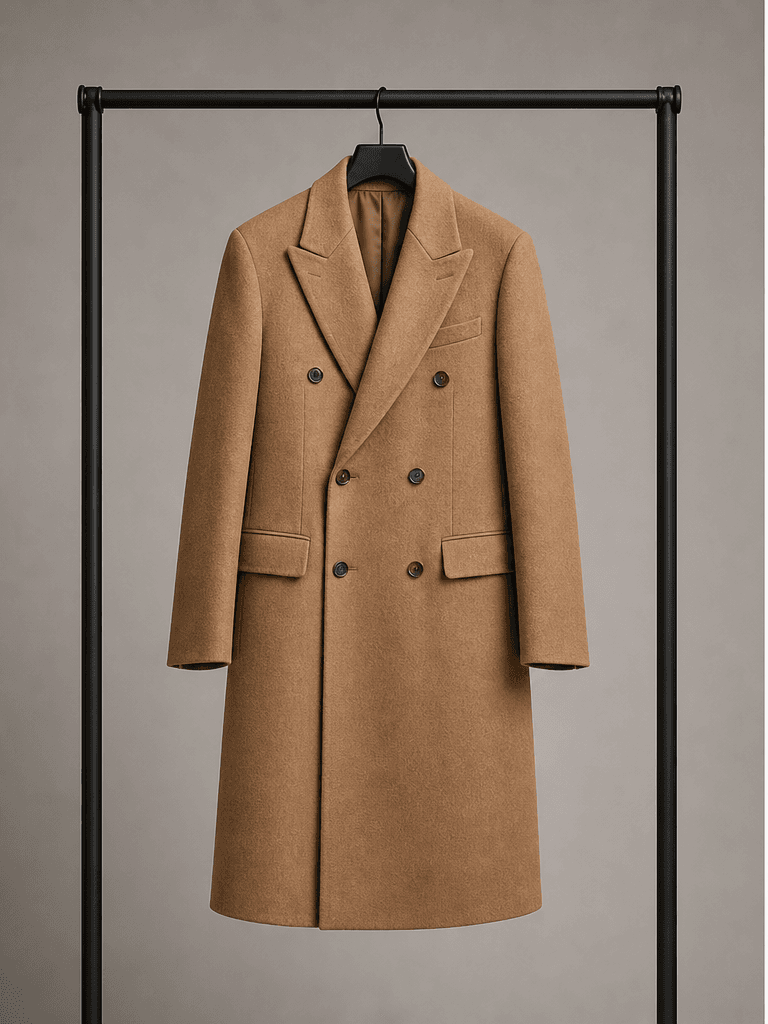 Gallery input
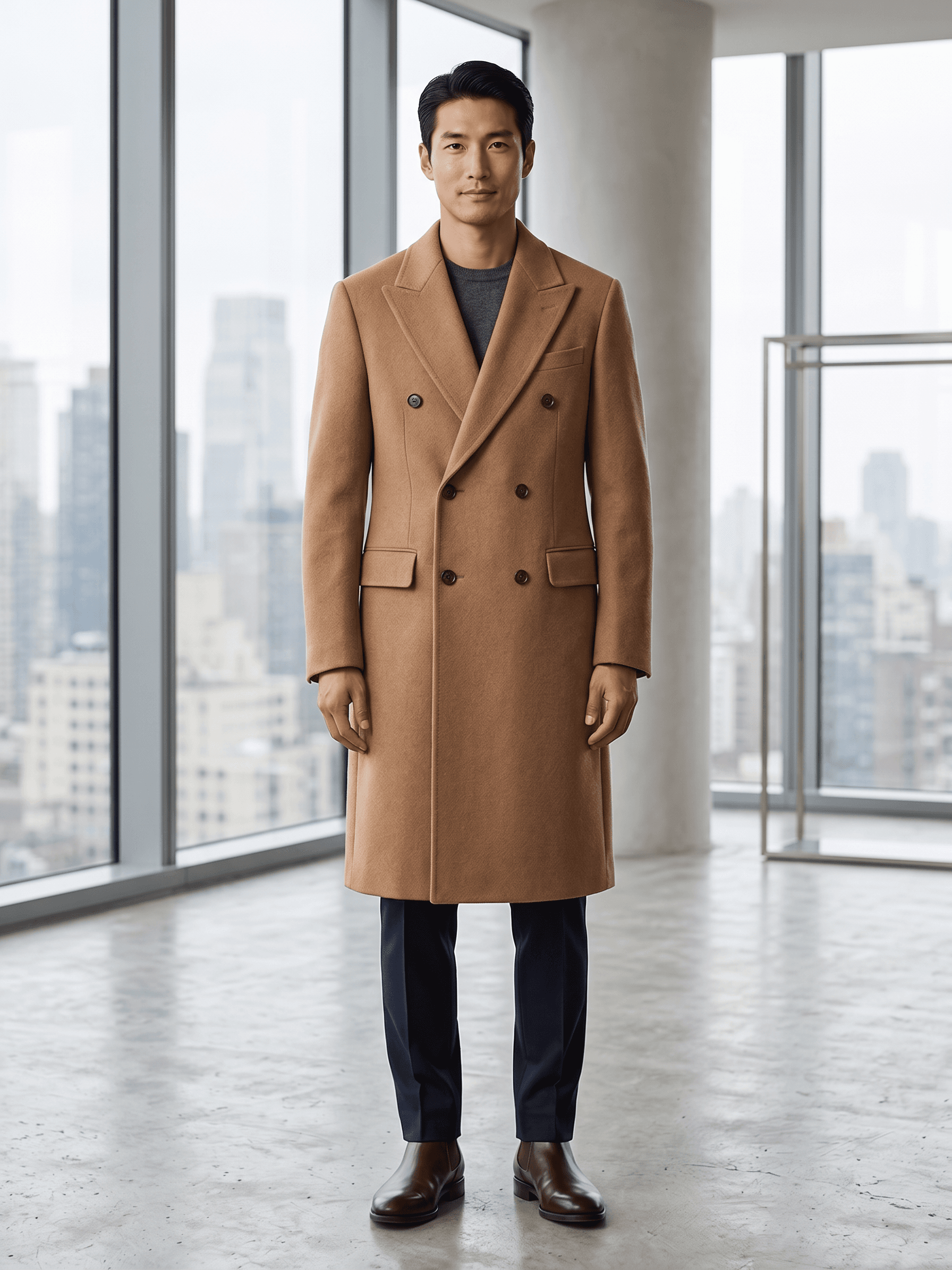 Modelify result
Make the silhouette legible
Whether a product is photographed flat, on a hanger, or on a mannequin, the silhouette should be easy to trace. Smooth large wrinkles, avoid folds that hide construction details, and leave enough space around the garment. A clear input reduces ambiguity and makes it easier to preserve the intended shape in the generated image.
Treat colour as a product detail
Colour is often the first thing a shopper notices, so it deserves a controlled input image. Photograph under stable lighting and avoid filters that shift whites, blacks, or saturated fabrics. If the product has a distinctive texture or finish, include an image where that quality is visible instead of relying on a broad written description.
Build a simple quality checklist
Before publishing, compare the result with the original product photo: neckline, closures, sleeve length, pattern placement, and the overall proportion should all be plausible. A short checklist lets a team review images quickly and gives everyone the same standard for deciding whether to regenerate or move forward.